Whisk AI Is Now Google Flow: The Complete 2026 Migration & Templates Guide
Google is merging Whisk AI into Flow — here's everything you need to know before the April 30, 2026 deadline.
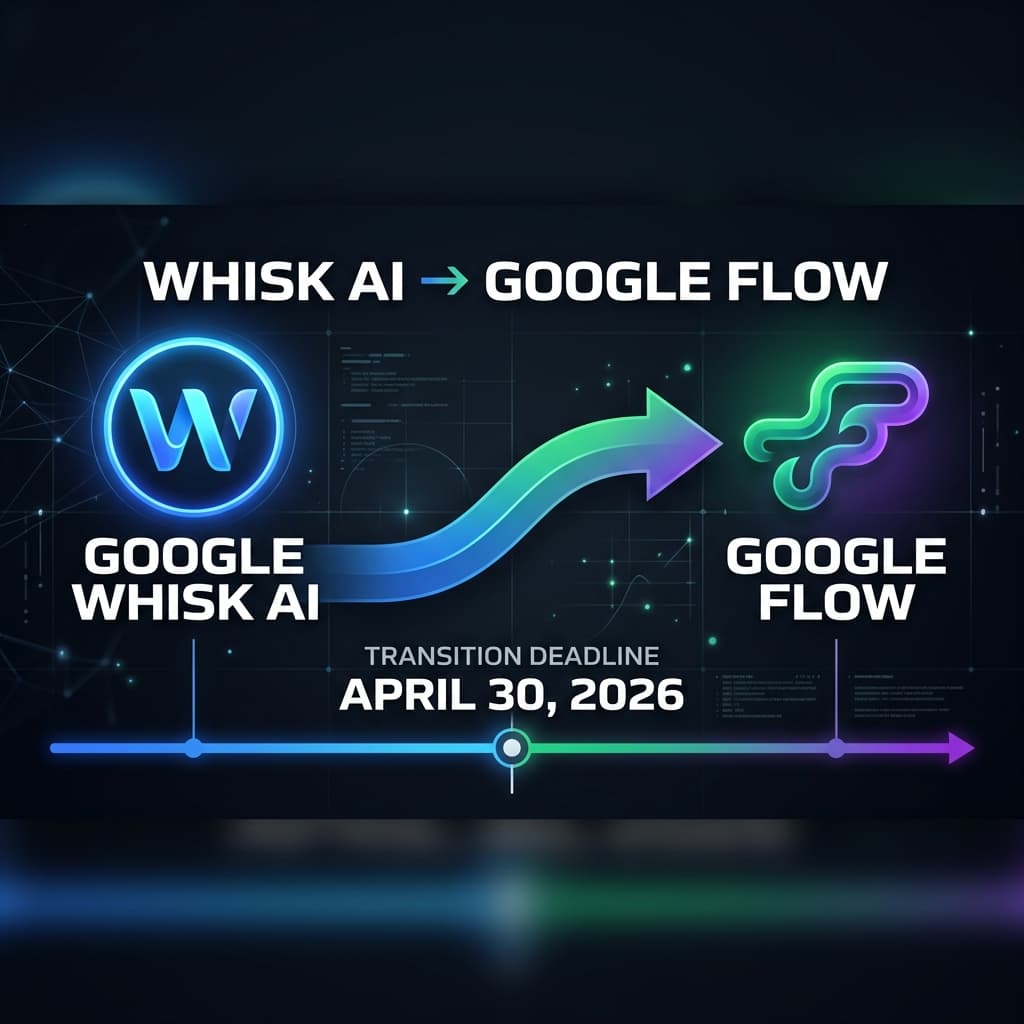
If you've been using Google Whisk AI for image remixing and visual prompting, there's a major change coming. Google is officially shutting down Whisk and merging all its capabilities into a unified creative platform called Google Flow. The deadline? April 30, 2026. After that date, all media in your Whisk library will be permanently deleted. In this guide, we'll walk you through everything — what's changing, what's new, how to migrate, and how WhiskAITemplate.com is already prepared to help you thrive in the new Flow ecosystem.
What Was Google Whisk AI?
🔧 Whisk AI — The Original Visual Remixer
Launched through Google Labs, Whisk AI was a revolutionary tool that let creators bypass complex text prompts. Instead of typing long descriptions, you could simply drag and drop images into three slots — Subject, Scene, and Style — and the AI would generate stunning remixed outputs.
What Made It Special:
- ✅ Image-to-image prompting (no text needed)
- ✅ Three-slot visual workflow: Subject + Scene + Style
- ✅ Powered by Gemini AI and Imagen 3
- ✅ 25,000 free monthly credits
- ✅ Available in 100+ countries
- ✅ Captured the "essence" of images, not exact copies
What Is Google Flow?
🎬 Google Flow — The All-in-One AI Creative Studio
Google Flow is the next evolution of Google's creative AI tools. It combines the capabilities of Whisk AI, ImageFX, and new video generation features into a single, unified filmmaking and creative studio. Think of it as Whisk AI on steroids — but with video, cinematic controls, and an integrated production pipeline.
Flow's Key Capabilities:
- 🎥 Text-to-Video: Generate cinematic clips from text descriptions using Veo 3.1
- 🖼️ Frames-to-Video: Define camera movements using start/end frames
- 🎭 Ingredients-to-Video: Reuse characters, props, and settings across clips for visual consistency
- ✂️ Scene Expansion: Extend clips by predicting additional frames
- 🎨 Advanced Image Generation: Powered by Nano Banana Pro and Imagen
- 🎬 SceneBuilder: Storyboard and sequence clips in a visual timeline
- 📐 Camera Controls: Simulate pans, tracking shots, and zooms with precision
- 🤖 Gemini Integration: Use conversational AI to brainstorm and refine your creative ideas
Why Is Google Merging Whisk into Flow?
Google's strategy is simple: eliminate tool-switching. Instead of creators jumping between Whisk (for image remixing), ImageFX (for text-to-image), and other tools (for video), Flow brings everything under one roof. Here's the logic:
- Unified Workspace: Generate, edit, animate, and export — all without leaving Flow
- Consistent Characters: Keep the same visual identity for subjects across images and videos
- Streamlined Pipeline: Go from concept → storyboard → final video in one platform
- Better AI Models: Flow uses the latest Veo 3.1, Nano Banana Pro, and Gemini — more powerful than anything Whisk had
- Enterprise Ready: Google is positioning Flow as a professional-grade production tool
Whisk AI vs Google Flow: Complete Comparison
| Feature | Whisk AI | Google Flow |
|---|---|---|
| Image Generation | ✅ Image-to-Image only | ✅ Image-to-Image + Text-to-Image |
| Video Generation | ❌ Not Available | ✅ Veo 3.1 — Cinematic Quality |
| AI Models | Imagen 3 + Gemini | Nano Banana Pro + Veo 3.1 + Gemini |
| Visual Remixing | ✅ Subject/Scene/Style | ✅ Inherited from Whisk + Enhanced |
| SceneBuilder | ❌ No | ✅ Full Storyboarding |
| Camera Controls | ❌ No | ✅ Pan, Zoom, Tracking |
| Pricing | Free (25,000 credits) | Free tier + Google AI Plus ($7.99/mo) |
| Status | ⚠️ Shutting down April 30, 2026 | ✅ Active — The Future |
How to Migrate from Whisk AI to Google Flow (Step-by-Step)
⏰ Important: You have until April 30, 2026!
After this date, all media in your Whisk library will be permanently deleted and cannot be recovered. Don't wait!
- Check Your Email: Google has sent migration instructions to all active Whisk users. Look for an email from Google Labs with the subject "Your Whisk projects are moving to Flow."
- Log into Whisk: Visit labs.google/whisk and look for the in-product migration banner at the top of your dashboard.
- Click "Migrate to Flow": Follow the opt-in migration process. This is not automatic — you must actively choose to migrate.
- Review Your Assets: Your projects will appear in Flow's new "Asset Grid." Verify that all your images and templates transferred correctly.
- Download a Backup: Before the deadline, download a local copy of your most important creations as a safety net.
- Explore Flow's New Features: Once migrated, try out video generation and the SceneBuilder — they're a game-changer!
What Happens to Your AI Credits?
💰 Good News: Your Credits Transfer!
Whisk AI and Google Flow share the same credit system. This means:
- ✅ Your existing 25,000 monthly credits automatically work in Flow
- ✅ No additional cost to keep creating
- ✅ Google AI Plus subscribers ($7.99/mo) get enhanced credits and priority access to Veo 3.1
- ✅ Free tier users retain full access to image generation features
Want to learn more about maximizing your credits? Read our complete 25,000 credits guide.
⚠️ Regional Availability Warning
🌍 Flow Is NOT Available Everywhere Yet
Unlike Whisk, which was available in 100+ countries, Google Flow has a more limited rollout. If you are in a region where Flow is not yet supported:
- ❌ You will lose access to Whisk on April 30, 2026 with no migration path
- ⬇️ Download ALL your content before the deadline
- 🔄 Check back regularly — Google is expanding Flow's availability
- 🔐 Consider using a VPN for temporary access (see our VPN access guide)
5 Google Flow Features That Will Blow Your Mind
🎥 1. Text-to-Video with Veo 3.1
Type a description like "A golden retriever running through lavender fields at sunset" and Flow generates a cinematic 4K video clip. This was impossible with Whisk.
🎭 2. Character Consistency Across Clips
The "Ingredients" feature lets you lock a character's face, outfit, and style across multiple video clips — perfect for storytelling and brand videos.
📐 3. Cinematic Camera Controls
Simulate pans, tracking shots, and dramatic zooms — no filming equipment needed. Flow gives you Hollywood-level camera control with AI.
🧩 4. SceneBuilder Visual Timeline
Drag, drop, and sequence your clips in a visual storyboard. Add transitions, adjust timing, and preview your entire project before exporting.
🤖 5. Gemini-Powered Creative Assistant
Not sure how to describe your creative vision? Chat with Gemini directly inside Flow. It helps you brainstorm ideas, refine prompts, and suggests creative directions you might not have considered.
How WhiskAITemplate.com Helps Your Transition
📚 WhiskAITemplate.com — Your Transition Partner
We've been preparing for this transition since Google first announced the merger. Our platform now offers Flow-compatible templates alongside our original Whisk AI templates. Here's how we help:
- 🌟 1000+ Free Templates: Browse our massive template library — now updated with Google Flow support
- 📤 Ready-to-Use Workflows: Every template includes Subject, Scene, and Style images that work in both Whisk and Flow
- 🎥 New Video Templates: We're adding Veo 3.1 video templates so you can create cinematic content from day one
- 📖 Expert Guides: In-depth tutorials on prompt engineering, Print-on-Demand, and more
- 💡 Migration Support: Step-by-step guides tailored to Flow's new interface
- 👥 Active Community: Connect with other creators navigating the same transition
Frequently Asked Questions
Is the migration from Whisk to Flow automatic?
No. The migration is opt-in. You must actively follow the in-product instructions in Whisk to move your assets to Flow. Nothing transfers automatically.
What happens to my Whisk projects after April 30, 2026?
All media remaining in your Whisk library will be permanently deleted. There is no recovery option. Download or migrate everything before the deadline.
Can I still use Whisk AI templates in Google Flow?
Yes! Flow inherits Whisk's visual remixing capabilities. All templates from WhiskAITemplate.com work seamlessly in Flow's image generation workflow.
Is Google Flow free to use?
Yes, Flow has a free tier that includes image generation and basic video features. For advanced capabilities like priority Veo 3.1 access and more credits, Google AI Plus costs $7.99/month. Read our Google AI Plus review for details.
I'm in a country where Flow isn't available. What should I do?
Download your Whisk content immediately. You can also explore VPN solutions — we have a detailed VPN access guide that covers safe methods to access Google's AI tools.
Will WhiskAITemplate.com be updated for Google Flow?
Absolutely! We're actively adding Flow-compatible templates, Veo 3.1 video templates, and updated guides. Visit our homepage to see the latest additions.
Final Thoughts: Embrace the Future
The Whisk AI to Google Flow transition isn't just a rebrand — it's a massive upgrade. Flow gives you everything Whisk had, plus video generation, cinematic controls, and a unified production pipeline. The creative possibilities are exponentially greater.
But time is running out. April 30, 2026 is the hard deadline. If you haven't migrated yet, do it today. And if you need templates, guides, or inspiration for your new Flow projects, WhiskAITemplate.com has you covered with 1000+ free templates optimized for both Whisk and Flow.
🚀 Your Action Plan:
- ✅ Step 1: Log into Whisk and start the migration process
- ✅ Step 2: Download a backup of your most important assets
- ✅ Step 3: Explore WhiskAITemplate.com for Flow-compatible templates
- ✅ Step 4: Try Flow's video generation with our prompt engineering guide
- ✅ Step 5: Read our guide on Whisk AI alternatives to compare your options
The future of AI creativity is here. Don't get left behind — migrate to Google Flow and unlock a whole new world of creative possibilities.
Need help getting started? Browse our free template library at WhiskAITemplate.com and start creating with Google Flow today! 🎨

About the author
Whisk AI Team
Whisk AI insights from our in-house editorial team.
Related Articles
- The Ultimate 2026 Guide to Google Flow AI: Why WhiskAITemplate is Your Essential Creation Hub
- Google Flow AI vs. WhiskAITemplate.com: The Ultimate 2026 Use Case & Workflow Guide
- 8 Best Flow & Whisk Alternatives in 2026
- Bypassing the 'Not Available in Your Region' Error: A Developer's Guide to Google Labs