Save $500 on Logos: How to Build a Professional Brand Identity for $0 Using Whisk AI
Stop burning cash on overhead. Learn the smart capital allocation strategy for branding using experimental AI tools.
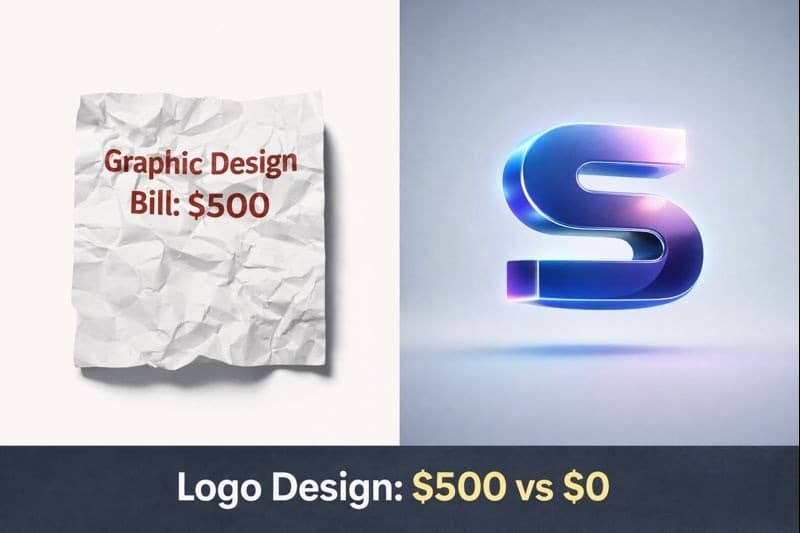
As a financial advisor for startups, I tell my clients the same thing: Cash flow is oxygen. In the early stages of a business, every dollar you spend on overhead is a dollar you cannot spend on product development or customer acquisition.
One of the biggest "sunk costs" for new founders is branding. A professional logo package can easily cost between $500 to $2,000. While brand identity is crucial, burning 10% of your seed capital on a graphic designer is poor financial management.
In 2026, you can achieve professional-grade branding results for zero cost. Google’s Whisk AI, specifically its advanced "Subject, Scene, Style" architecture, allows you to bypass expensive design fees using a specific workflow called the "Text Extraction Hack."
In this guide, we will treat your design process as a financial decision. I will show you how to use Whisk AI to create a scalable brand identity, saving you hundreds of dollars that you can reinvest into growing your business.
The Financial Case: Why "Good Enough" is Profitable
Before we get to the "how," let’s look at the math.
- Traditional Path: Hire a freelancer ($500+), wait 2 weeks, pay for revisions.
- AI Path (Whisk): Cost $0, Time 10 minutes, Unlimited revisions.
By using Whisk AI, you are not just making a picture; you are practicing smart capital allocation. Whisk is currently an experimental tool in Google Labs, making it free to use. This is a temporary market inefficiency that savvy entrepreneurs should exploit immediately.
The "Text Extraction Hack": Your Free Logo Designer
Most AI generators (like Midjourney) struggle with text, often turning your brand name into gibberish. However, Whisk AI’s unique architecture allows for a workaround known as the "Text Extraction Hack".
This method forces the AI to respect the geometry of your text while applying expensive-looking textures and styles.
Step 1: Create Your "Raw Asset" (The Input)
Don't start in Whisk. Open a simple tool like Canva or Paint.
- Type your company name or initials (e.g., "APEX") in black text on a white background.
- Save this as a high-quality PNG. This is your "structure."
Step 2: Configure Whisk for Structural Integrity
Go to labs.google/whisk. To execute the hack, you must deviate from the standard settings:
Financial Note: By leaving this empty, you remove the AI's tendency to hallucinate new objects. You want it to focus purely on your text structure.
This tells the AI: "This is the shape of the physical world."
This reinforces the shape, ensuring the letters don't get warped.
Step 3: The Prompt (The Value Add)
Now, use the text prompt to apply the "expensive" look.
- "Made of polished gold, cinematic lighting, 3D render, luxury aesthetic, dark studio background."
- "Neon sign glowing on a brick wall, cyberpunk colors, 8k resolution."
The Result: Whisk will generate your exact text ("APEX"), but it will look like a 3D rendered masterpiece worth thousands of dollars.
Scaling Your Brand: Beyond the Logo
Once you have your logo, a business needs a cohesive identity. Consistency builds trust, and trust drives revenue.
1. Consistent Marketing Assets
Use your new logo with Whisk's "Style Dominance" technique.
- Upload your new 3D logo into the Style box.
- Upload a photo of your product in the Subject box.
- Whisk will apply the lighting and color palette of your logo to your product, creating a unified brand look for your Instagram or LinkedIn ads.
2. Business Cards and Packaging
Use the outputs to generate mockups. You can visualize how your new logo looks on a business card or a storefront sign by using the logo as the Subject and a photo of a blank card as the Scene.
Conclusion: Reinvesting Your Savings
In the startup world, leverage is everything. By using Whisk AI’s "Text Extraction Hack," you have effectively generated $500+ in value with 15 minutes of work.
Don't see this just as "designing." See it as cost avoidance. Take that $500 you saved and put it into Google Ads, product prototyping, or a better CRM. That is how successful businesses are built in the AI era.
Ready to start? Access Whisk via Google Labs and start building your asset library today.
Read Next
Frequently Asked Questions (FAQs)
Can I legally trademark a logo created with Whisk AI?
This is complex. Currently, the US Copyright Office states that AI-generated images without significant human input cannot be copyrighted. As a financial advisor, I recommend using these logos for 'bootstrapping' (MVP launch, social media). Once you have revenue and are ready to trademark, hire a human to refine and vectorize the design for legal ownership.
Why does Whisk generally work better for logos than Midjourney?
Whisk's 'Text Extraction Hack' (placing text in Scene/Style) specifically preserves the geometry of letters. Midjourney often treats text as abstract shapes, leading to spelling errors.
Is Whisk AI truly free for business use?
As of 2026, Whisk is an experimental tool in Google Labs and is free to use. However, Google may introduce pricing tiers (like Google One AI Premium) for advanced features in the future.
My logo text is slightly warped. How do I fix it?
Ensure your input image is high-contrast (black on white). Also, verify that the Subject box is empty. If you put text in the Subject box, the AI tries to 're-imagine' it rather than preserve it.
Can I create a transparent background logo in Whisk?
Whisk generates rectangular images with backgrounds. You will need to use a free tool like Adobe Express or remove.bg to make the background transparent for use on websites.

About the author
Whisk AI Team
Whisk AI insights from our in-house editorial team.